Git Cheat Sheet Series (5/5): Advanced Workflows
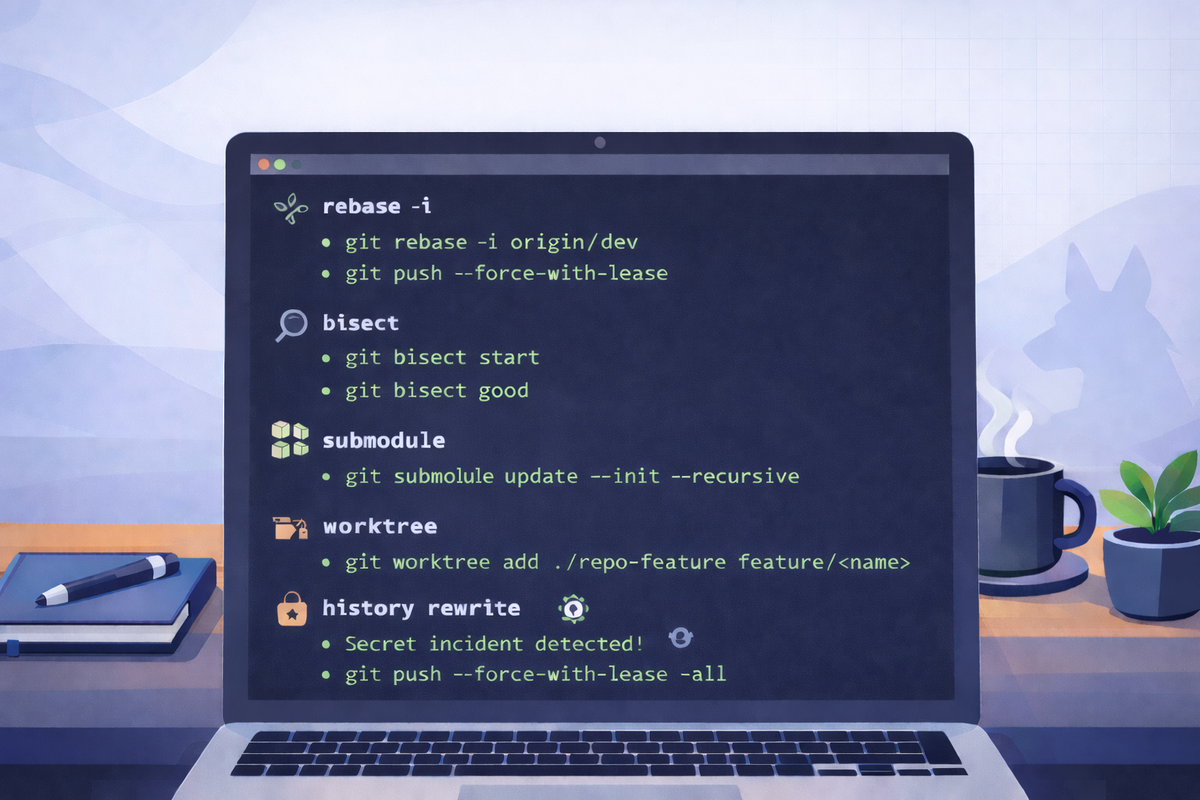
Short scenarios. Copy/paste commands. Minimal notes.
Interactive rebase to rewrite commits (drop/reorder/fixup)
Goal: Clean up your branch history before merging to dev.
git fetch origin
git checkout feat/<feature-name>
git rebase -i origin/dev
# use: pick, reword, edit, squash, fixup, drop

# update remote after rewrite
git push --force-with-lease
Notes
- Coordinate with teammates if others pulled your branch.
Find the commit that introduced a bug (bisect)
Goal: Binary search to identify the first bad commit.
git checkout dev
git pull --ff-only

git bisect start
git bisect bad
git bisect good <known-good-sha>

# repeat until Git picks the culprit:
# run tests, then mark result:
git bisect good
# or
git bisect bad

git bisect reset
Notes
- “Good” means tests pass; “bad” means bug reproduces.
Submodules (clone and update correctly)
Goal: Ensure nested repos are checked out at the expected commits.
# clone including submodules
git clone --recurse-submodules <REPO_URL>

# initialize/update submodules in an existing clone
git submodule update --init --recursive

# pull new submodule commits recorded by the parent repo
git pull --ff-only
git submodule update --init --recursive
Notes
- Submodules track a specific commit, not a moving branch by default.
Worktrees (multiple branches checked out at once)
Goal: Work on two branches simultaneously without stashing.
# from your main working copy
git checkout dev
git pull --ff-only

# add a second working directory for a feature branch
git worktree add ../repo-feature feat/<feature-name>

# later remove it
git worktree remove ../repo-feature
Notes
- Useful for hotfix + feature work in parallel.