Git Cheat Sheet Series (3/5): History Edits + Recovery
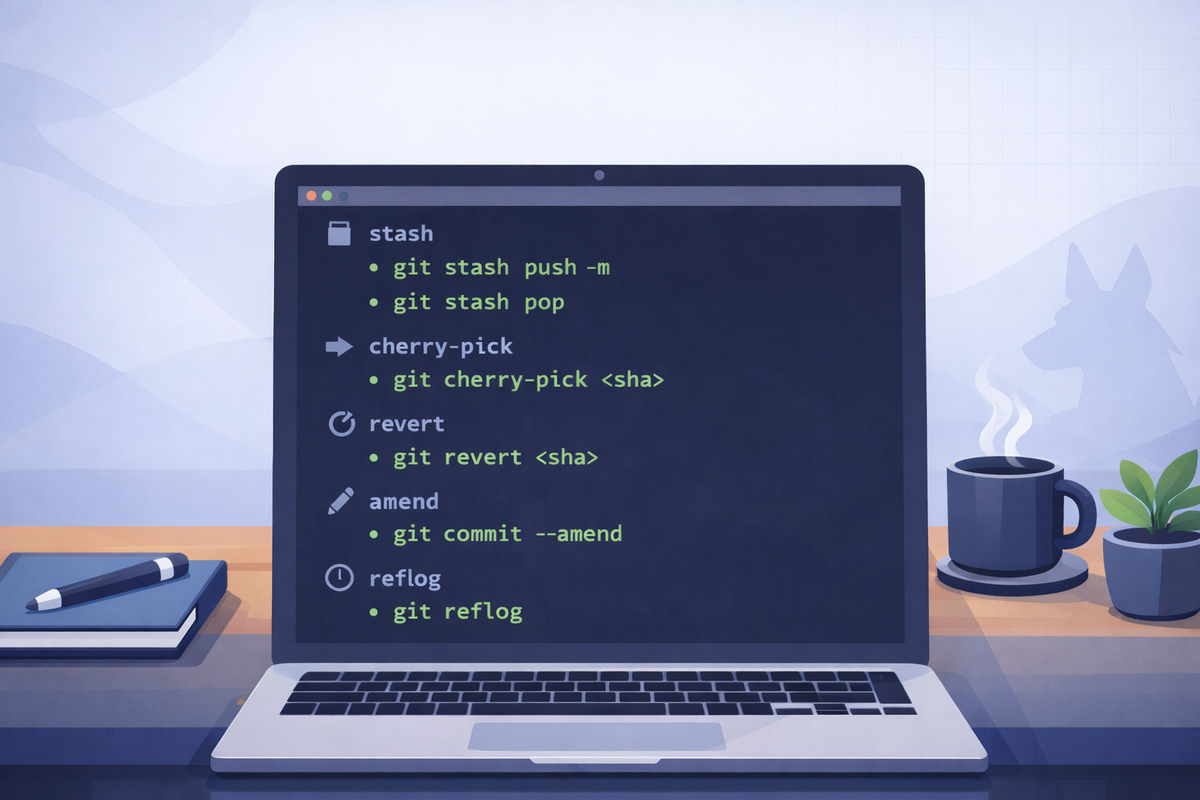
Short scenarios. Copy/paste commands. Minimal notes.
Stash work (pause changes, switch context)
Goal: Temporarily set aside local changes without committing.
git status
git stash push -m "wip: <short note>"
git status

# bring it back
git stash pop
Notes
- List stashes:
git stash list - Apply without dropping:
git stash apply
Move one commit to your current branch (cherry-pick)
Goal: Take a specific commit from somewhere else and apply it here.
git checkout feature/<short-name>
git cherry-pick <commit-sha>
Notes
- Multiple commits:
git cherry-pick <sha1> <sha2> - If conflicts: fix →
git add -A→git cherry-pick --continue - Abort:
git cherry-pick --abort
Undo a pushed commit safely (revert)
Goal: Create a new commit that reverses a previous one (safe for shared branches).
git checkout dev
git pull --ff-only
git revert <commit-sha>
git push
Notes
- Prefer
revertfor commits already pushed todevormain.
Edit the last commit content (not pushed)
Goal: Add/remove files from the last commit or adjust it before pushing.
# make additional edits
git add -A
git commit --amend --no-edit
Notes
- Change message too:
git commit --amend -m "New message" - If already pushed, amending usually requires force-push (covered later).
Recover “lost” work (reflog)
Goal: Find commits/branches you had locally even if you reset or deleted something.
git reflog
# pick the SHA you want, then restore it:
git checkout <commit-sha>

# or move your branch back (destructive):
git reset --hard <commit-sha>
Notes
reset --harddiscards working tree changes. Use only when you’re sure.