Git Cheat Sheet Series (2/5): Feature Branch → PR
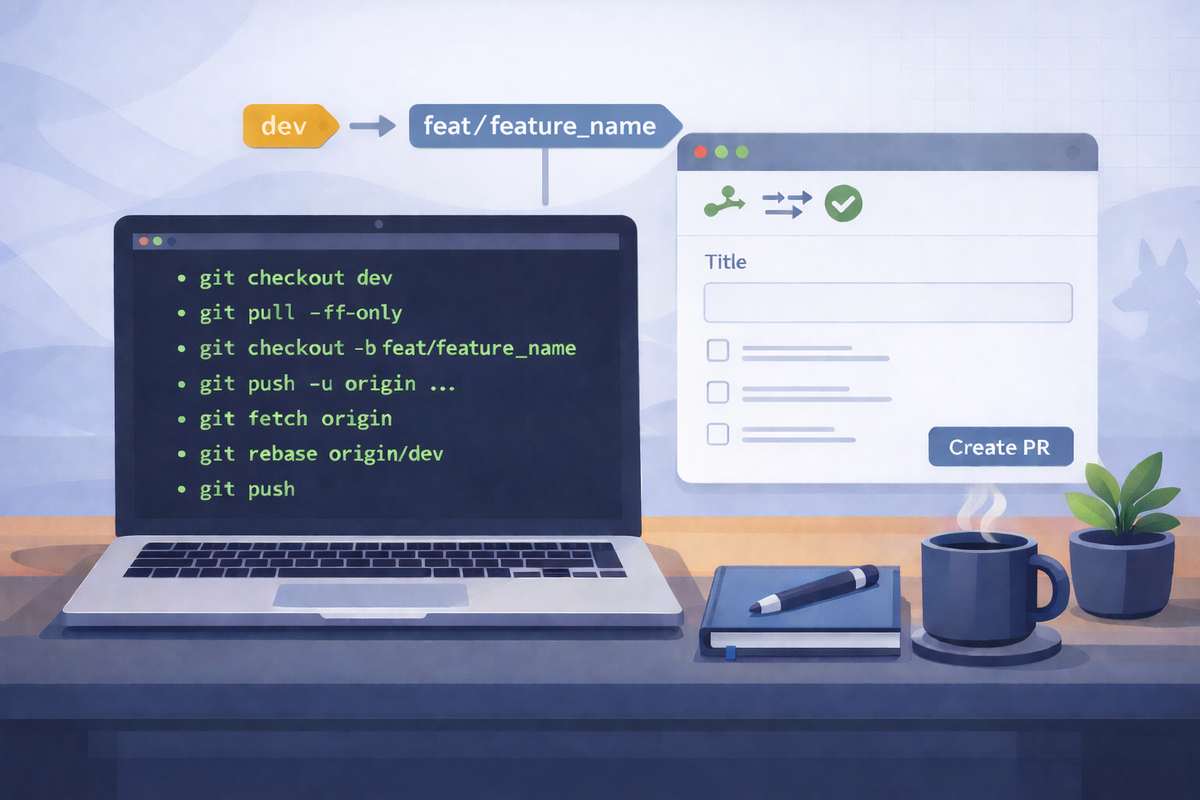
Short scenarios. Copy/paste commands. Minimal notes.
Start a feature branch from dev
Goal: Create a new branch based on the latest dev.
git checkout dev
git pull --ff-only
git checkout -b feature/<short-name>
Notes
- Use a consistent name:
feature/login-timeout,feature/ui-header, etc.
Push your new branch (set upstream)
Goal: Publish the branch so others/CI can see it.
git push -u origin feat/<feature-name>Notes
- After this,
git pushworks without extra arguments.
Keep your feature branch updated with dev (rebase)
Goal: Pull in the latest dev changes without creating merge commits in your branch.
git fetch origin
git checkout feat/<feature-name>
git rebase origin/dev
Notes
- If conflicts happen: fix files →
git add -A→git rebase --continue - Abort if needed:
git rebase --abort
Update your PR after review feedback
Goal: Add requested changes to the same PR.
git checkout feat/<feature-name>
# edit files
git add -A
git commit -m "Address PR feedback"
git push
Notes
- If you rebased after opening the PR, you may need:
git push --force-with-lease(safer than--force)
Finish: merge PR, sync, and clean up
Goal: After PR merge, update dev locally and delete the feature branch.
git checkout dev
git pull --ff-only

# delete local branch
git branch -d feat/<feature-name>

# delete remote branch
git push origin --delete feat/<feature-name>
Notes
- If local delete fails (branch not fully merged locally):
git branch -D feature/<short-name>(use carefully)