Git Cheat Sheet Series (1/5): Daily Basics
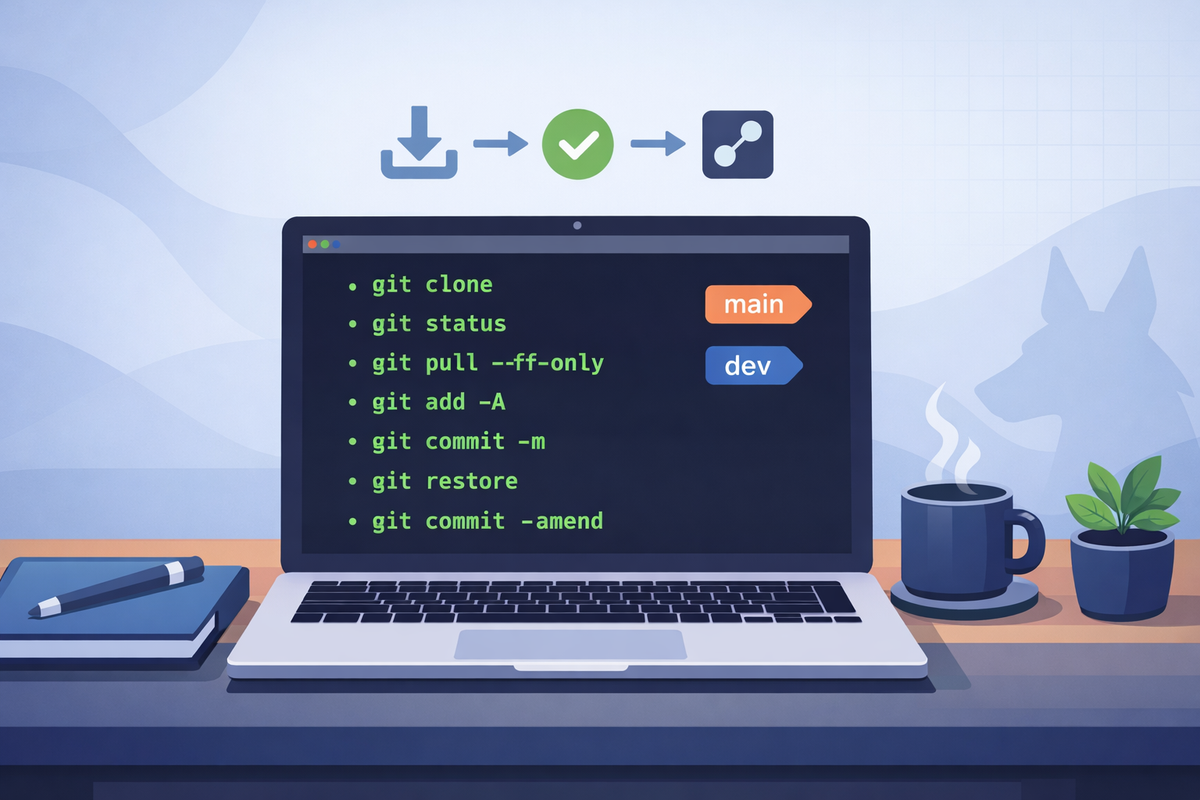
Short scenarios. Copy/paste commands. Minimal notes.
Clone the repo and verify you’re on main
Goal: Get the code locally and confirm you’re on the default branch.
git clone <REPO_URL>
cd <REPO_FOLDER>
git status
git branch --show-current
Notes
- If you are not on
main:git checkout main - First sync (safe):
git pull --ff-only
Pull latest changes safely (fast-forward only)
Goal: Update your local branch without creating a merge commit by accident.
git checkout main
git pull --ff-only

git checkout dev
git pull --ff-only
Notes
- If
--ff-onlyfails, your branch diverged; stop and decide whether torebaseor merge (covered later).
Make a commit (add → commit)
Goal: Record changes cleanly.
git status
git add <filepath/filename> (-A to add all)
git commit -m "Short, specific message"
Undo unstaged changes (discard local edits)
Goal: Revert files back to the last commit (only for changes not committed).
git restore <file>

# discard everything unstaged:
git restore .
Notes
- This does not recover deleted work unless it was committed.
Fix the last commit message (not pushed)
Goal: Rename the last commit message before sharing it.
git commit --amend -m "Better message"Notes
- If you already pushed that commit, do not amend unless you know your team’s rules (force-push involved later).