Docker Cheat Sheet Series (5/5): Advanced / Production Patterns
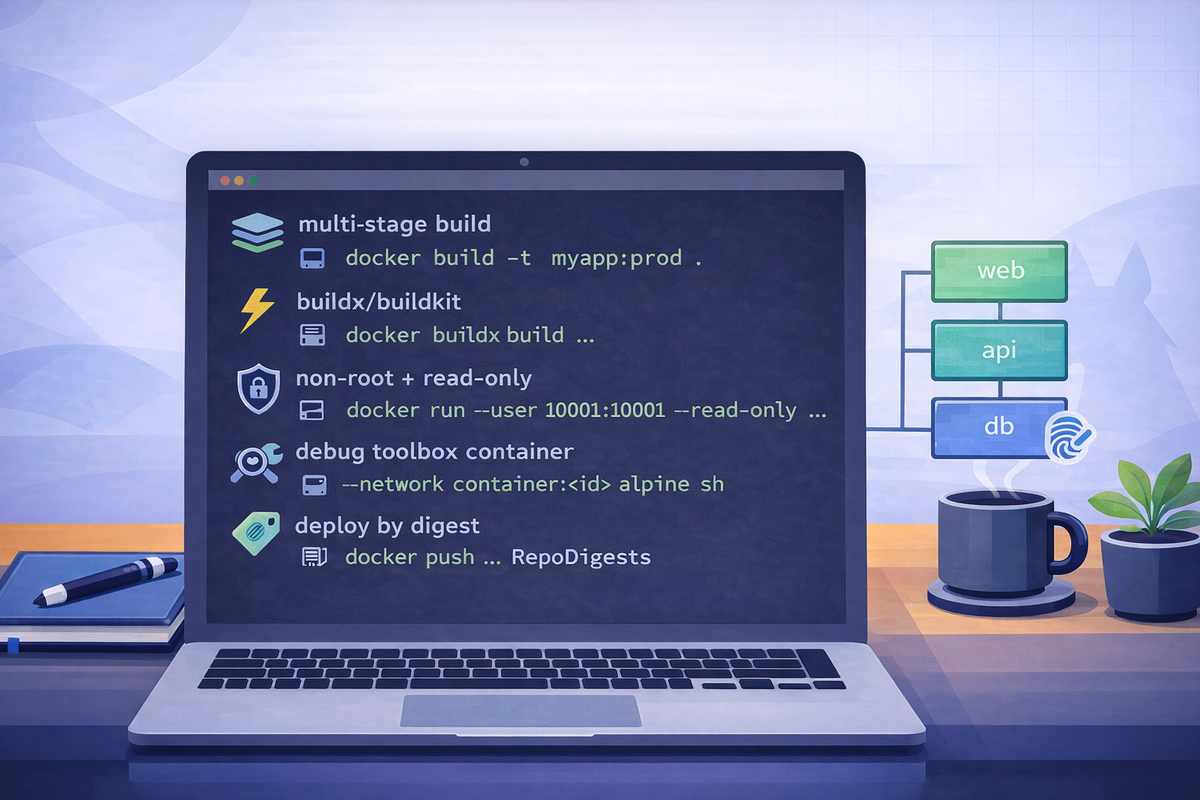
Short scenarios. Copy/paste commands. Minimal notes.
Multi-stage builds (smaller images)
Goal: Build artifacts in one stage, run with a minimal final image.
# build as usual (Dockerfile contains multiple FROM stages)
docker build -t myapp:prod .
docker image inspect myapp:prod --format '{{.Size}}'
Notes
- Typical pattern:
builderstage (tooling) →runtimestage (only app + deps).
BuildKit: faster builds with cache (common defaults)
Goal: Speed up builds and reuse layers reliably.
docker buildx version
docker buildx build -t myapp:prod .
Notes
- Many installs use BuildKit by default;
buildxmakes advanced caching/features accessible.
Security basics: run as non-root + read-only filesystem
Goal: Reduce container privileges.
# run as non-root user (image must support it)
docker run --rm \
  --user 10001:10001 \
  --read-only \
  -p 8080:8080 \
  myapp:prod
Notes
- If the app needs writable paths, mount a tmpfs or volume:
--tmpfs /tmpor-v mytmp:/var/run
- Prefer setting
USERin the Dockerfile for consistency.
Debug slim/shell-less containers (distroless-like)
Goal: Troubleshoot containers that lack a shell/tools.
# inspect entrypoint/cmd
docker image inspect myapp:prod --format '{{json .Config.Entrypoint}} {{json .Config.Cmd}}'

# run a debug shell in a separate toolbox container on the same network namespace
docker run --rm -it --network container:<container_name_or_id> alpine:3.20 sh
Notes
- The “toolbox” approach lets you use
curl,nslookup, etc., without bloating your production image.
CI/CD pattern: build once, promote by tag/digest
Goal: Avoid rebuilding for each environment; deploy the exact same image.
# build and tag
docker build -t registry.example.com/myapp:1.2.3 .
docker push registry.example.com/myapp:1.2.3

# get immutable digest
docker inspect --format='{{index .RepoDigests 0}}' registry.example.com/myapp:1.2.3
Notes
- Deploy by digest when possible (immutable reference).
- Promote by adding another tag to the same digest (registry-side workflows vary).