Docker Cheat Sheet Series (2/5): Building + Running Your App
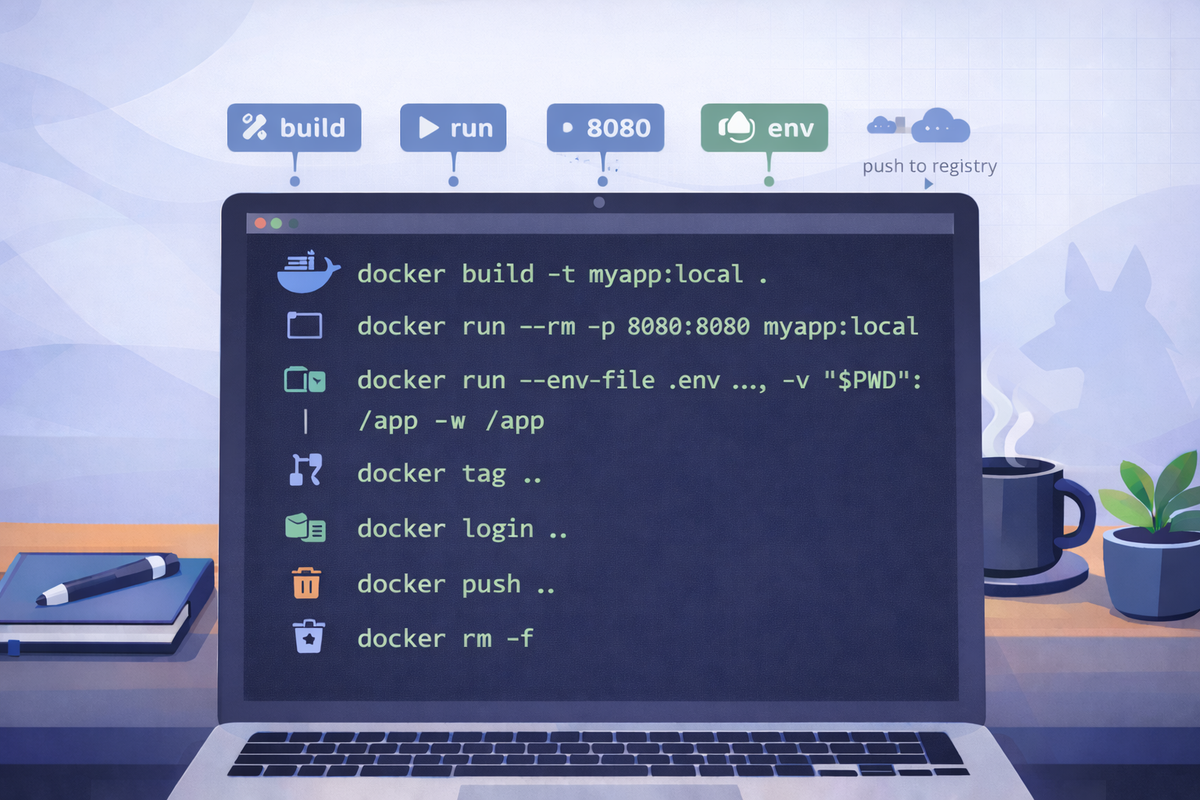
Short scenarios. Copy/paste commands. Minimal notes.
Build an image from a Dockerfile
Goal: Turn your app into a Docker image.
docker build -t myapp:local .
docker images | head
Notes
-tsetsname:tag. Use a clear local tag likemyapp:local.
Run with port mapping
Goal: Expose a container service to your machine.
docker run --rm -p 8080:8080 myapp:localNotes
- Format is
HOST:CONTAINER. - If your app listens on 3000 inside the container:
-p 8080:3000.
Run with environment variables
Goal: Configure the app without rebuilding the image.
docker run --rm \
  -e NODE_ENV=production \
  -e APP_PORT=8080 \
  -p 8080:8080 \
  myapp:local
Notes
- For many vars, prefer an env file:
docker run --rm --env-file .env -p 8080:8080 myapp:local
Use bind mounts for local development
Goal: Edit code on your machine, run inside container.
docker run --rm -it \
  -p 8080:8080 \
  -v "$PWD":/app \
  -w /app \
  myapp:local sh
Notes
-v "$PWD":/appmounts current folder into the container.-w /appsets working directory.- For better DX you often run a dev command inside (e.g.,
npm run dev).
Tag + push image to a registry
Goal: Publish your image for deployment/CI.
# tag for registry
docker tag myapp:local registry.example.com/myapp:1.0.0

# login + push
docker login registry.example.com
docker push registry.example.com/myapp:1.0.0
Notes
- Use immutable version tags (
1.0.0) rather than onlylatest.