Docker Cheat Sheet Series (1/5): Daily Basics
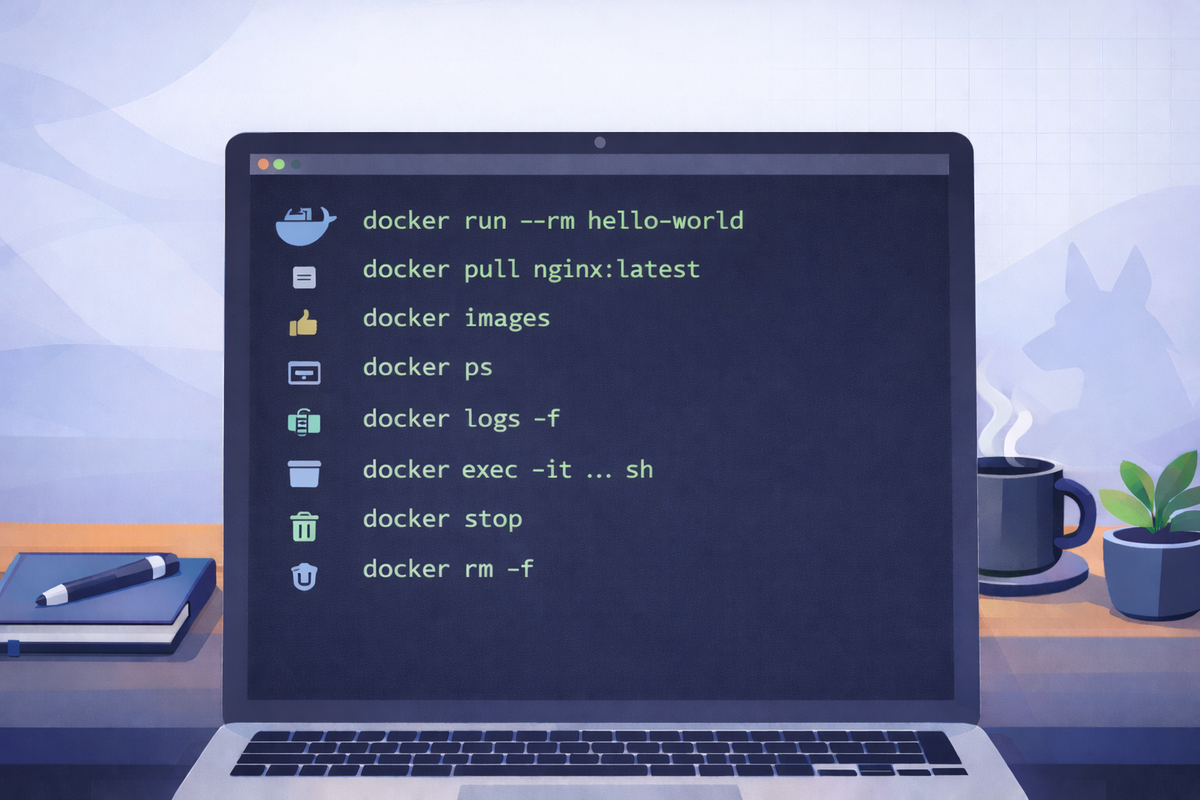
Short scenarios. Copy/paste commands. Minimal notes.
Run a container
Goal: Verify Docker works by running something simple.
docker run --rm hello-worldNotes
--rmremoves the container automatically after it exits.
Pull an image + list local images
Goal: Download an image and confirm it exists locally.
docker pull nginx:latest
docker images
Notes
- Prefer explicit tags in real work (avoid surprises).
List containers + view logs
Goal: See what’s running and inspect output.
docker ps
docker ps -a

docker logs <container_name_or_id>
# follow logs:
docker logs -f <container_name_or_id>
Notes
- Use
docker ps -ato find exited containers.
Exec into a running container
Goal: Open a shell (or run a command) inside a container.
docker exec -it <container_name_or_id> sh
# if bash exists:
docker exec -it <container_name_or_id> bash

# run a single command:
docker exec <container_name_or_id> ls -la
Notes
- Many minimal images only have
sh, notbash.
Stop/remove containers (cleanup)
Goal: Stop running containers and remove unused ones.
# stop
docker stop <container_name_or_id>

# remove a container (must be stopped)
docker rm <container_name_or_id>

# remove a running container (force)
docker rm -f <container_name_or_id>
Notes
- If you used
--rm, you often won’t needdocker rm.